
BLOG DETAILS

The Role of UI Animation in Web Design
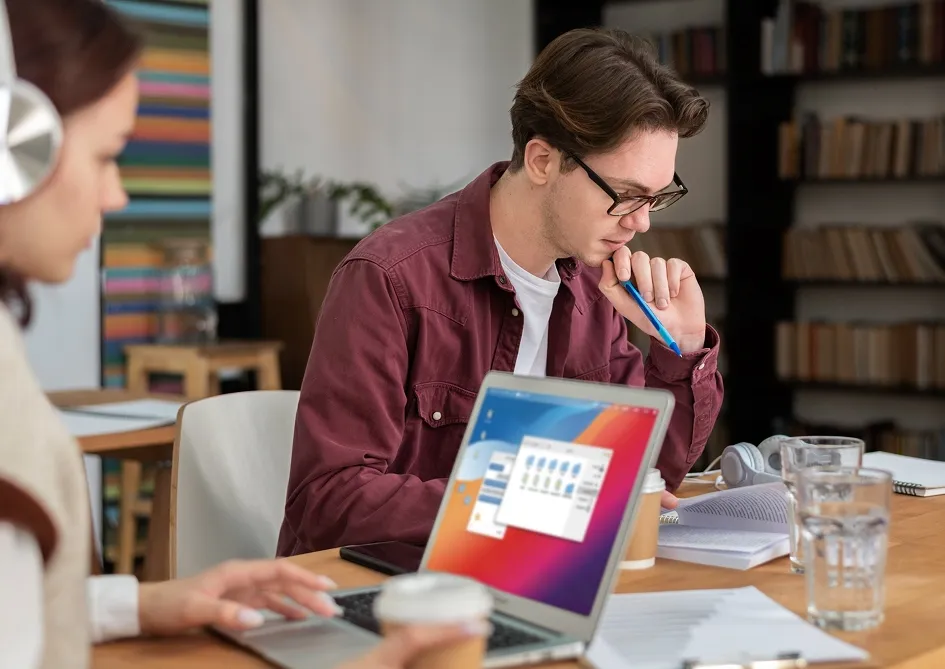
Animation should support understanding
UI animation works best when it reduces ambiguity. Small moments of motion can help users understand hierarchy, follow transitions, and feel more confident about what just changed on a screen.
That is why the most effective interface motion is often the least theatrical. It improves orientation, supports feedback, and creates a more connected experience without pulling attention away from the task itself.
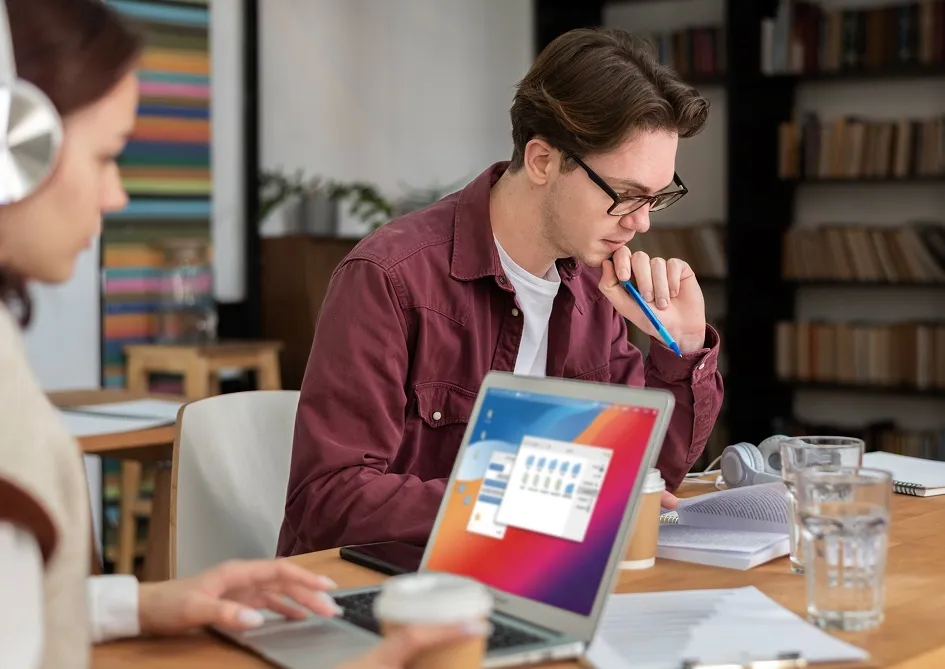
Where motion adds the most value
- State changes: transitions explain what happened after an action.
- Focus guidance: movement can direct the eye toward the next logical step.
- Feedback: hover, press, and success states feel more tangible with motion.
Know when to stop
Animation becomes harmful when it delays the interface or adds visual noise. Speed, restraint, and accessibility should always come first, especially on product-heavy screens.
Motion is not there to impress the user. It is there to make the interface easier to understand.
When used deliberately, animation can make a product feel smoother, smarter, and more trustworthy from the very first interaction.

More Blog
Explore More Blog


Ready To Start Learning and Level Up Your Skills?
Join thousands of learners transforming their careers with expert-led courses designed for real-world success.
Get Started Get Started
0k+
Successful Students
0M+
Students Enrolled
0+
Expert Instructors
0k+
Global Job Placements